Version control and approvals
Every change versioned. Every version explained.
Every project keeps a full history on your server, built on Git. Your engineers never commit, branch or merge: each change is saved as a version, with who made it, when, and the request that asked for it.
-
Today
-
Approved by Priya Shah
In Line 4 PLC · Sam Rivera
-
Note: Tested on the FAT rig
-
-
Yesterday
-
Downloaded by Sam Rivera
-
Saved without anyone saving it
A version is saved each time a request, an upload, a restore, or a rename, move or delete changes a file. Each names the request that saved it and opens the chat it was asked in.
- Who, when and why on every version
- The other files the same request changed
- Restores that are versions of their own, so nothing is lost
- Links to a version that survive renames and moves
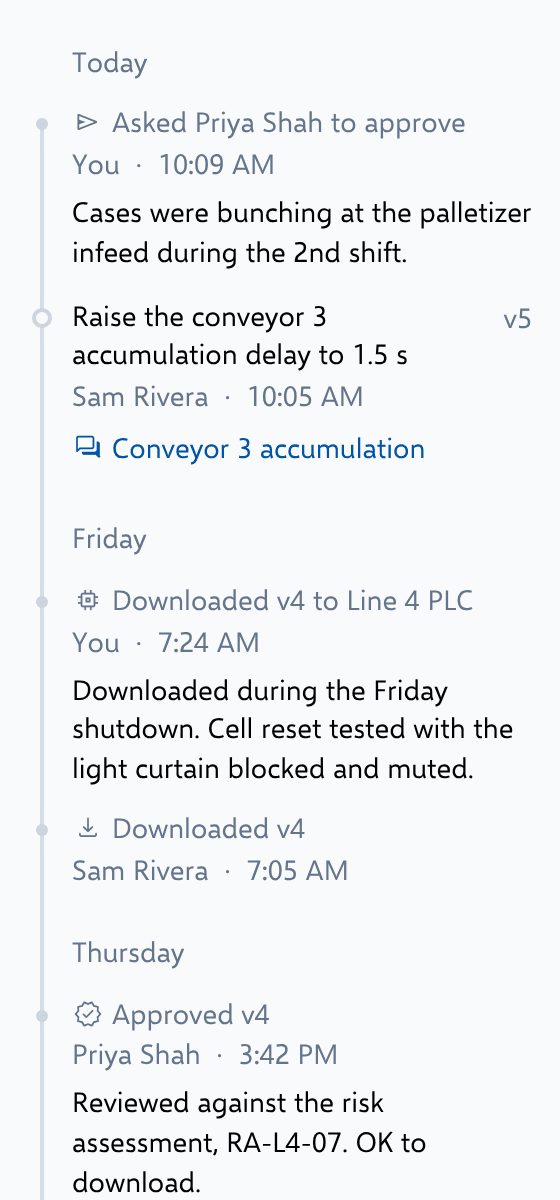
Diffs drawn the way each tool shows them
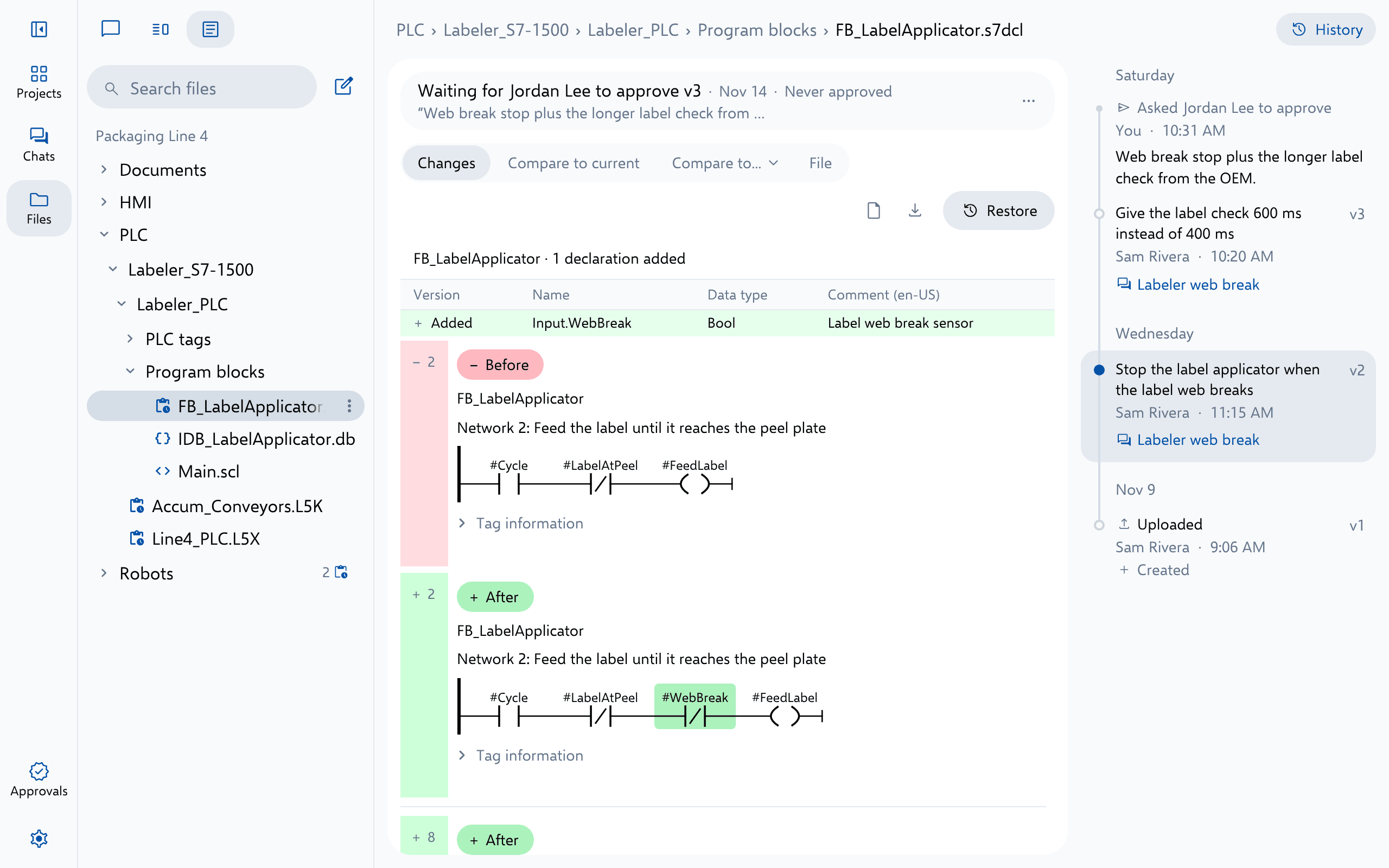
Studio 5000 changes drawn as rungs, with safety changes marked Safety. TIA Portal object by object, with its hardware. TwinCAT, Ignition and every robot brand in their own views, spreadsheets row by row, and documents as a redline.
Approvals that follow the contents
An approval belongs to what a file holds, not to a version number: restoring, renaming or copying approved contents keeps them approved, and any edit after it needs approving again.
- JL Jordan Lee asked Priya Shah to approve v6 11:24 AM Tested the infeed on the FAT rig.
- PS Priya Shah requested changes to v6 1:10 PM Add door 3 to the run permissive too.
- JL Jordan Lee sent back v7 3:45 PM Door 3 added to rung 3 of Cell_Permissives.
- PS Priya Shah approved v7 3:58 PM Door 3 checked on the rig.
Know what is loaded where
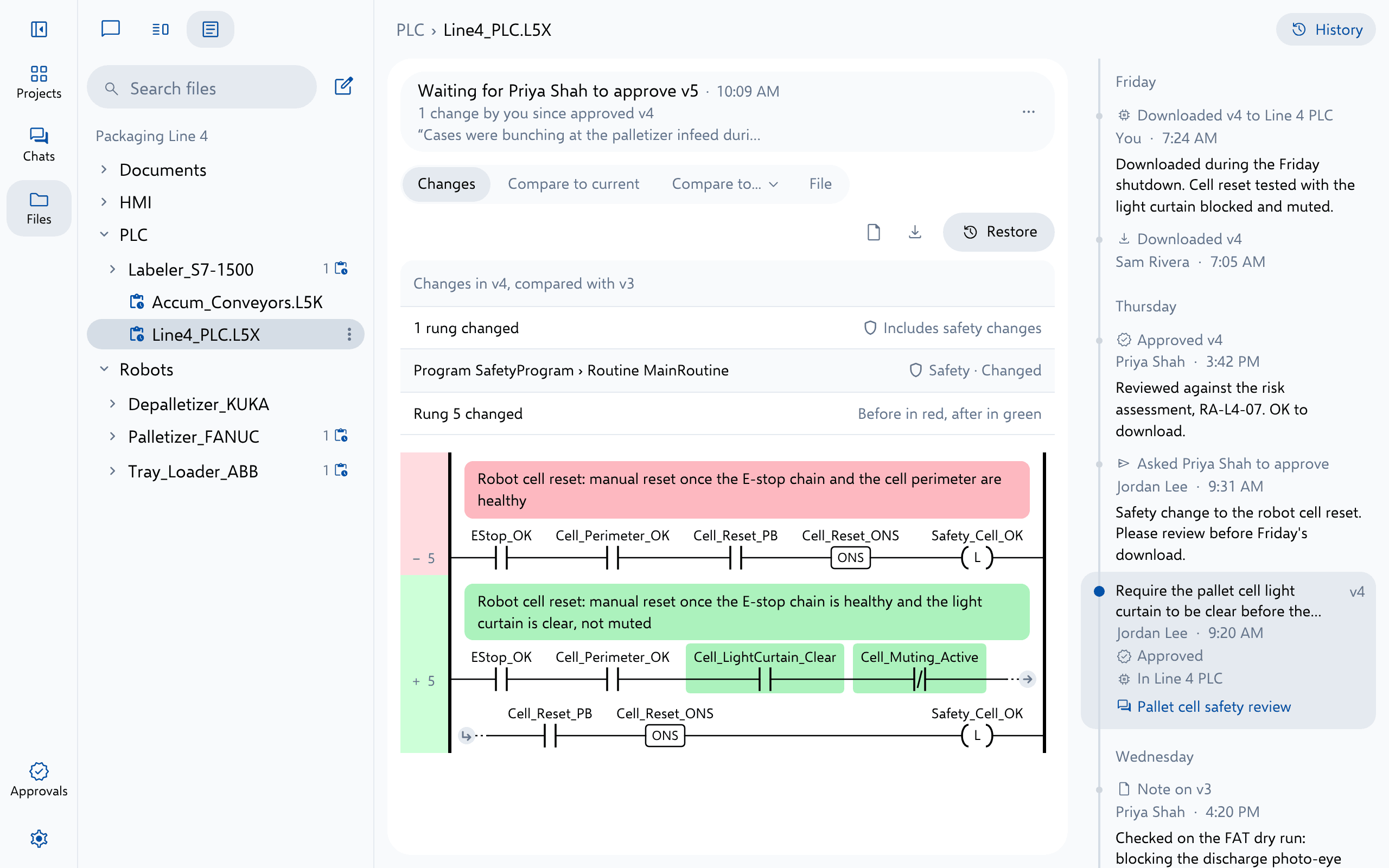
The history records which version was downloaded, by whom and when, keeps your note of which version was loaded on each device, and says whether it was approved when it went out.
- Notes on any version, such as who it was sent to or what was tested
- An approval record workbook, with each approved version’s SHA-256
- Compare any two versions, or any version with the file as it is now
Platforms
On the platforms you run
FAQ
Questions teams ask first
Do our engineers need to learn Git?
Where is the history kept?
Which files show a visual diff?
Can we record which version is on each machine?
Keep exploring
More ways teams use Altitude
See it on the work your team does every day
We'll walk through the workflows that matter most to your team, on the PLC, robot and HMI platforms you run, from review and troubleshooting to documents and migration.